Invitations
An invitation shares exactly one space with one person. The person who invites you stays the owner of the space. You decide whether to accept. You can always decline.
Accept an invitation without an account
Section titled “Accept an invitation without an account”- Open the link you received. The first step says who invites you to which space and which role you get, for example “Anna invites you to the space “Family””.
- Choose Create account. Enter your name (1 to 80 characters) and a password with 8 to 128 characters. The e-mail address is fixed by the invitation.
- Choose Create account again. Orbit creates your own Orbit with only the shared space. You see “Welcome to your Orbit”.
- Choose To the week to see the entries of the shared space in your week, or + Create your own space to start a space of your own.
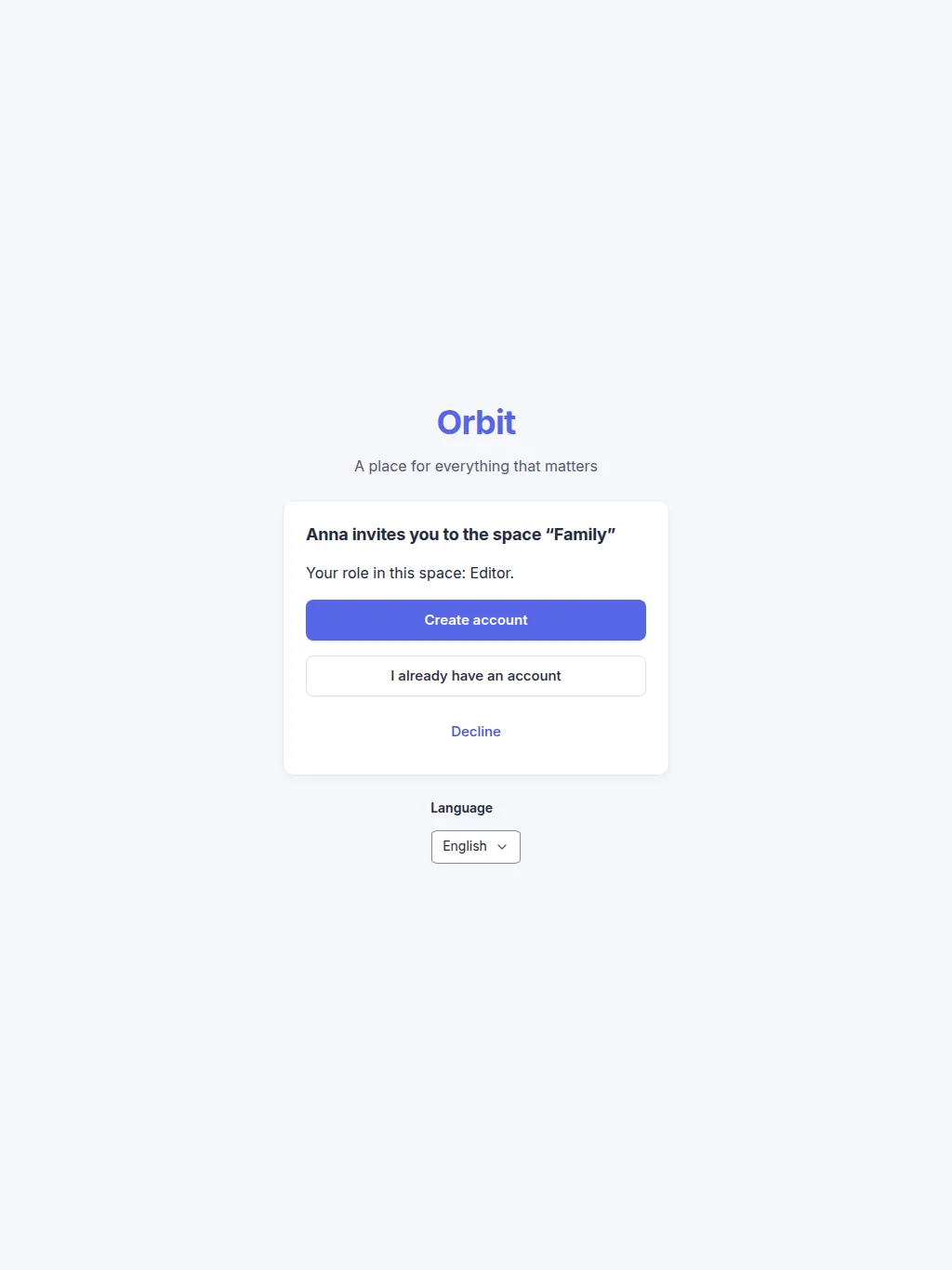
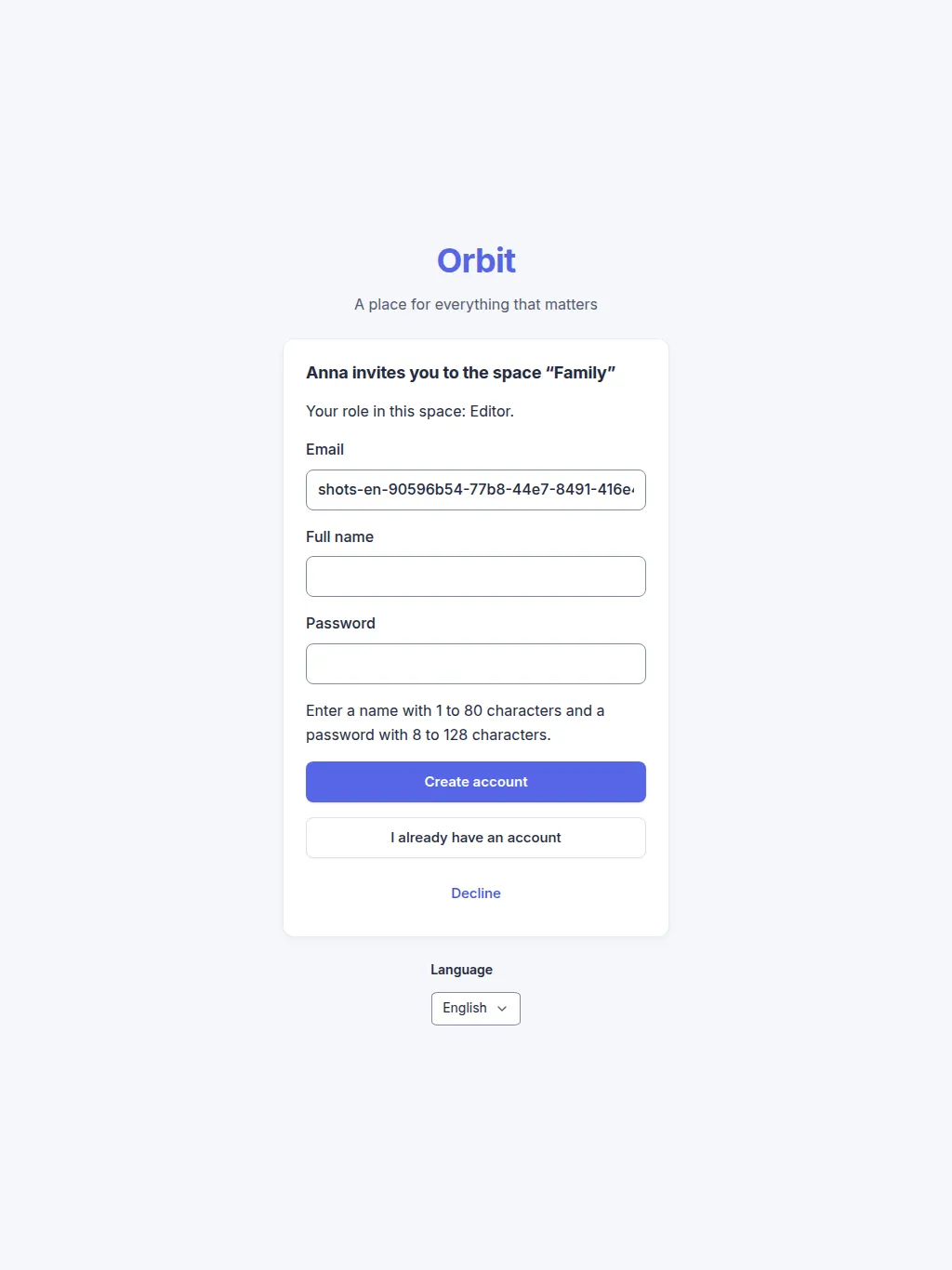
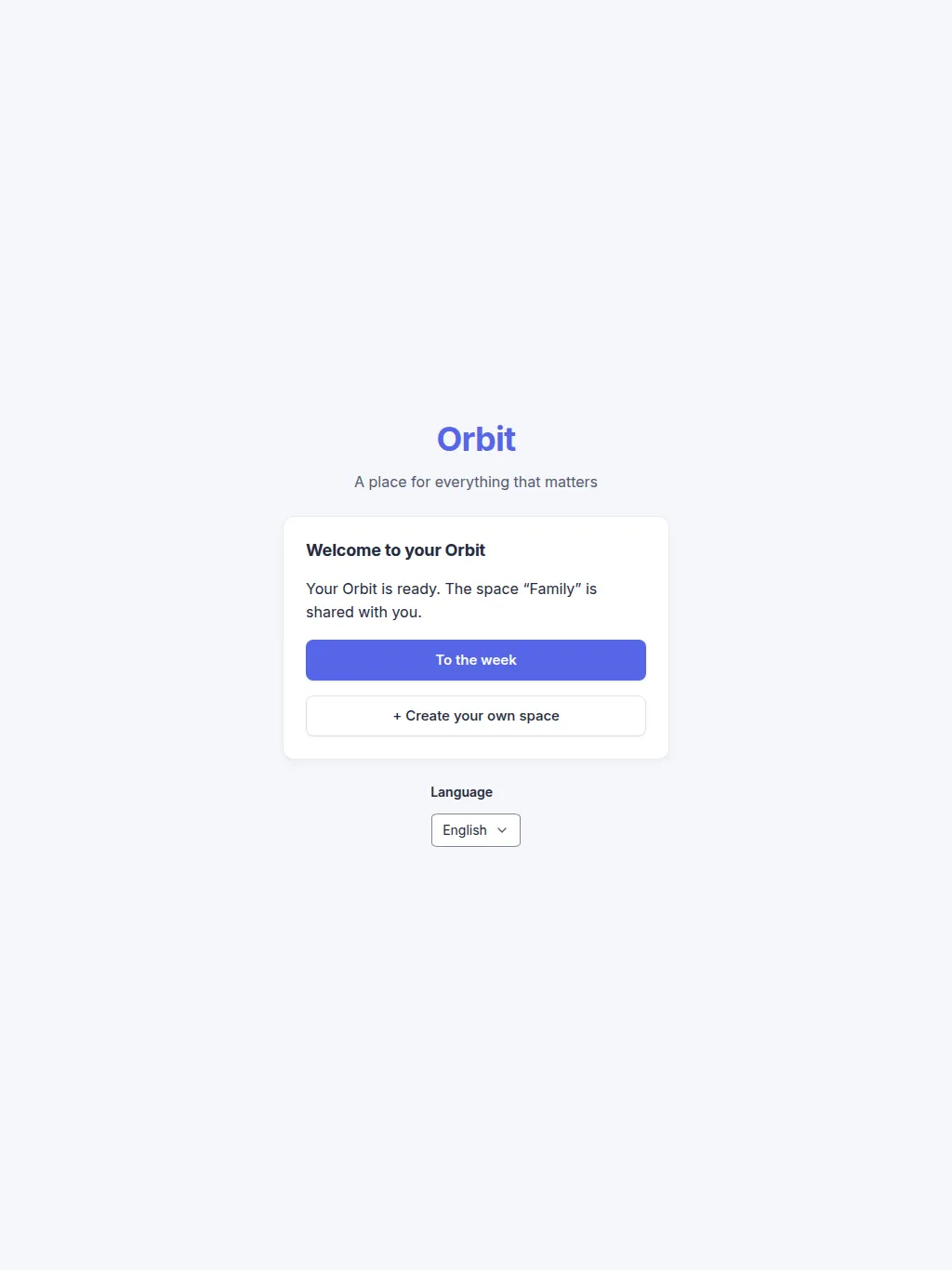
Your own Orbit has no default spaces. You add the spaces you need.
Accept an invitation with an account
Section titled “Accept an invitation with an account”- Sign in with the invited e-mail address, or choose I already have an account on the link page.
- Open the link and choose Accept.
- The space appears under Shared with me with your role. Your own spaces stay as they are.
If you are signed in with another e-mail address, the page says the invitation is for a different address. Sign out and use the invited address.
Decline an invitation
Section titled “Decline an invitation”Choose Decline on the link page. You do not need an account. The person who invited you sees only “Declined”, never a reason. They can remove the entry, and you cannot use the link again.
The inviting owner offers you a role: owner, editor or viewer. A teen account is always a viewer in shared spaces, even if a higher role was offered.
Limits and FAQ
Section titled “Limits and FAQ”Why does the link not work? Links expire after 48 hours. An owner can revoke a link. A used or declined link cannot be used again. The page names the reason; ask the owner for a new invitation.
Why can I not use the link? The link works only for the e-mail address it was created for. Share it only with that person.
Is an e-mail sent? Yes, when the owner invites you from their Orbit. Check your spam folder if you cannot find it. The owner can also copy and share the same link. If delivery fails, a warning tells the owner to share the link directly.
Do I join someone else’s Orbit? No. You keep your own Orbit and see the shared space in it.
Version 0.1.0+production