Forgot your password
If you forgot your password, you set a new one with a link we send to your e-mail address. This works for every account, including teen accounts. Children have no password: they use the family hub.
- On the sign-in screen, choose Forgot password? under the password field.
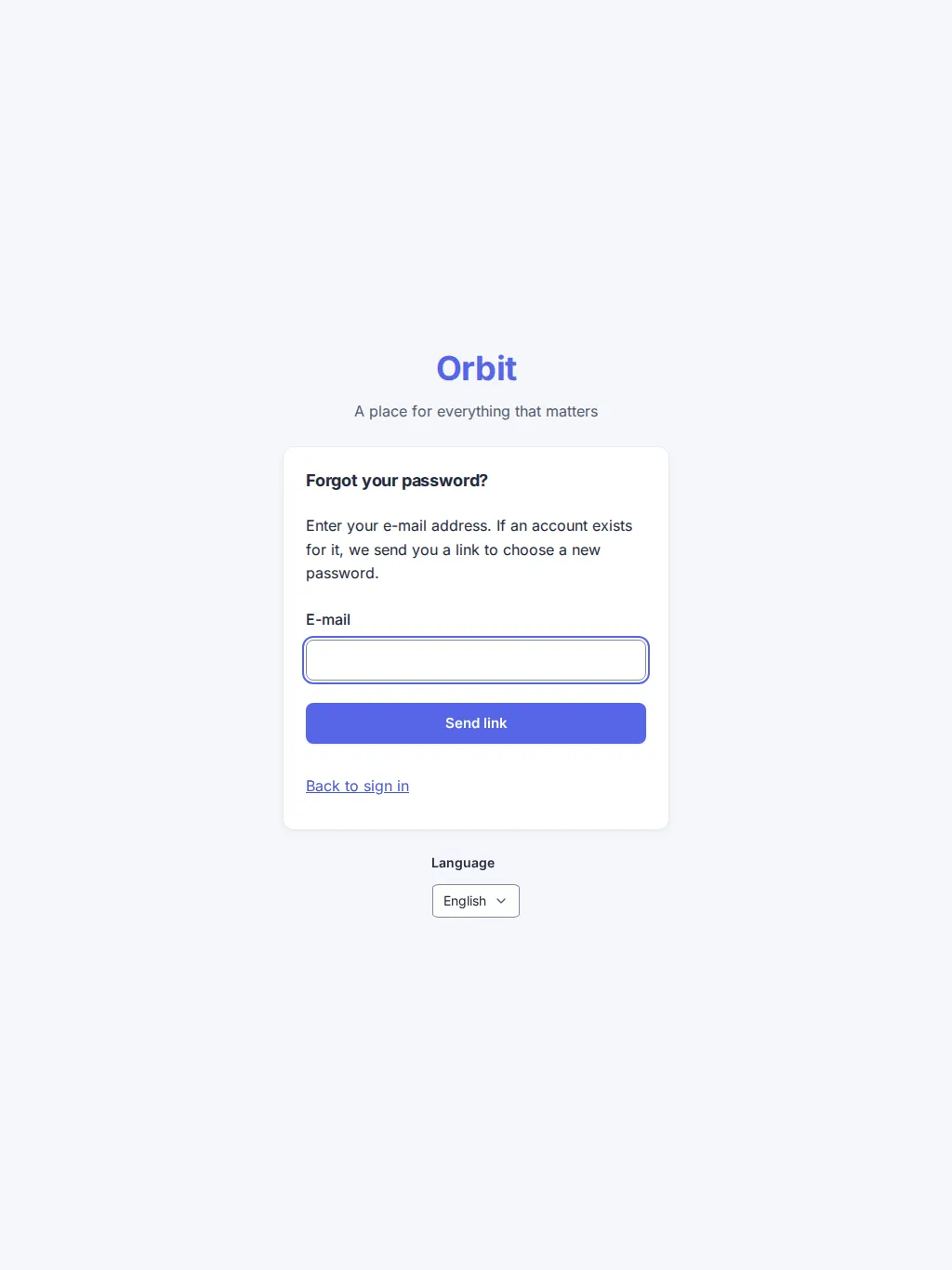
- Enter your e-mail address and choose Send link. The cursor is already in the field.
- Orbit always answers the same: “If an account exists for this address, we sent a link.” It never tells whether an address has an account. The mail arrives in your language within a minute.
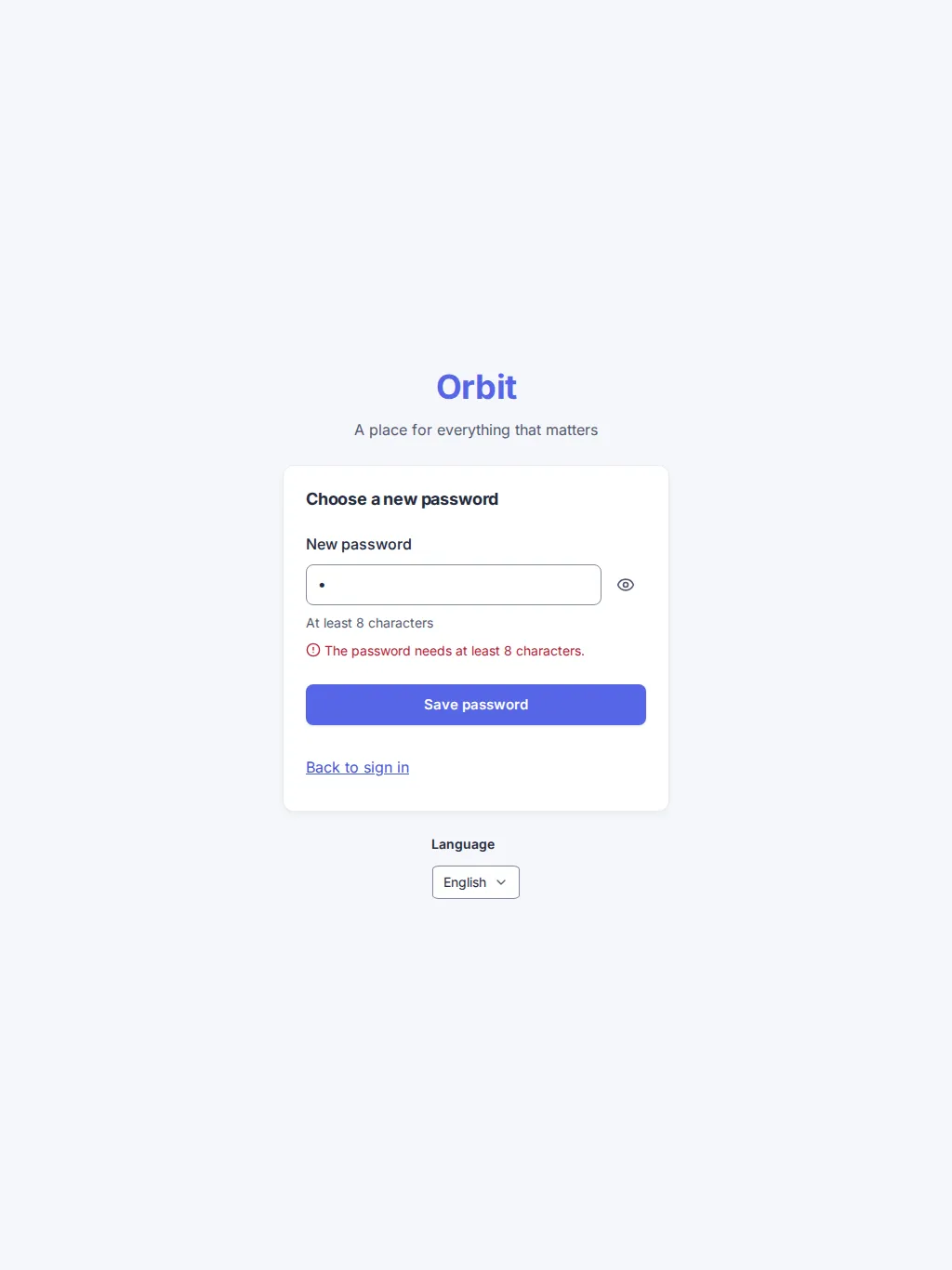
- Open the link in the mail within one hour. Choose a new password with at least 8 characters; the eye button shows what you typed.
- Choose Save password, then Go to sign in and sign in with the new password.
Changing the password signs you out on all your devices. Sign in again where you need Orbit.
If the link does not work
Section titled “If the link does not work”A link works once and for one hour. If it is expired or already used, the page says so; choose Request a new link and ask again. Only the newest mail is certain to work, so open the last one.
The mail does not arrive. Check the spam folder and the address you typed. Asking more than three times in a minute is slowed down; wait a minute and try again.
I did not ask for the mail. Ignore it. Your password stays as it is until someone opens the link.
Version 0.1.0+production